
Waffle
Waffle is laid out like Windows 11: a taskbar along the bottom, a Start menu, an Action Center and a Notification Center. Everything here is set in Waffle Settings, which opens with Super+,.
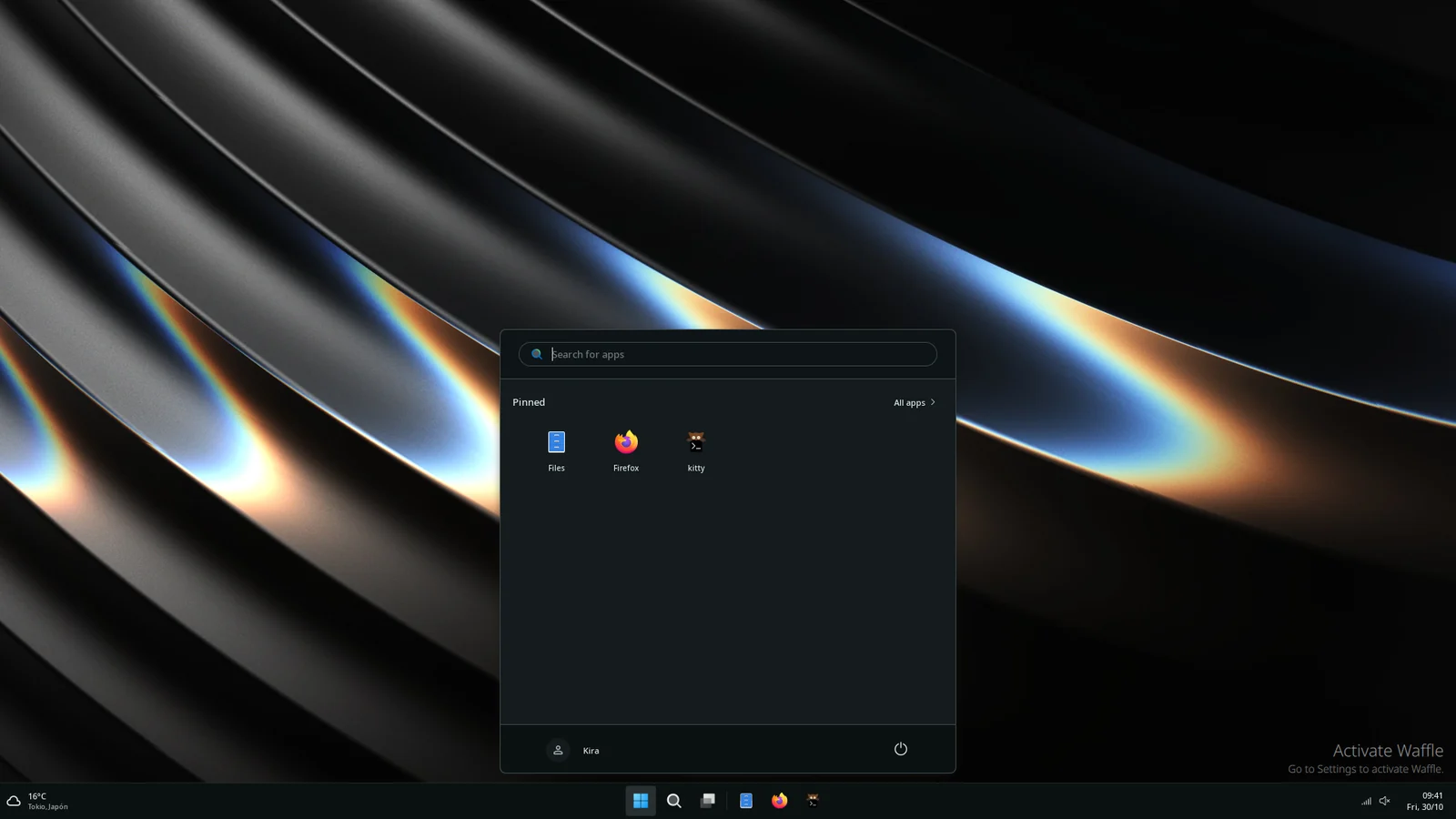
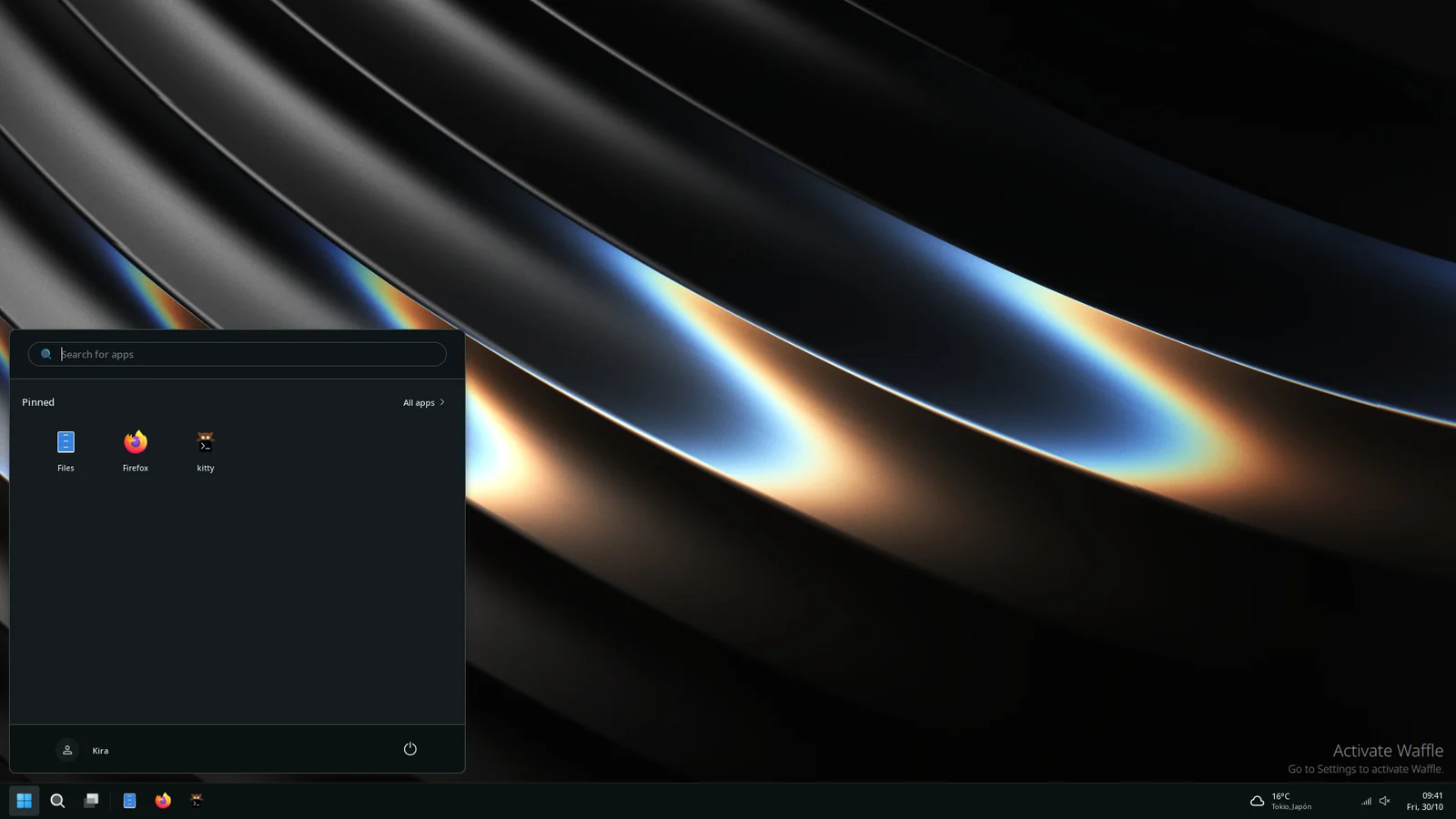
On your screen
Section titled “On your screen”- Taskbar: along the bottom, or the top. Waffle Settings›Taskbar sets its icons, the clock, Desktop Peek and the update badge.
- Start menu: search, pinned apps and recommendations. Waffle Settings›Waffle Style›Start Menu sets its layout.
- Action Center: quick toggles, volume and brightness.
- Notification Center: the notification history and the calendar.
- Widgets panel: weather, media, the calendar and the widgets you add from the Hub.
- Task View: every window and workspace.
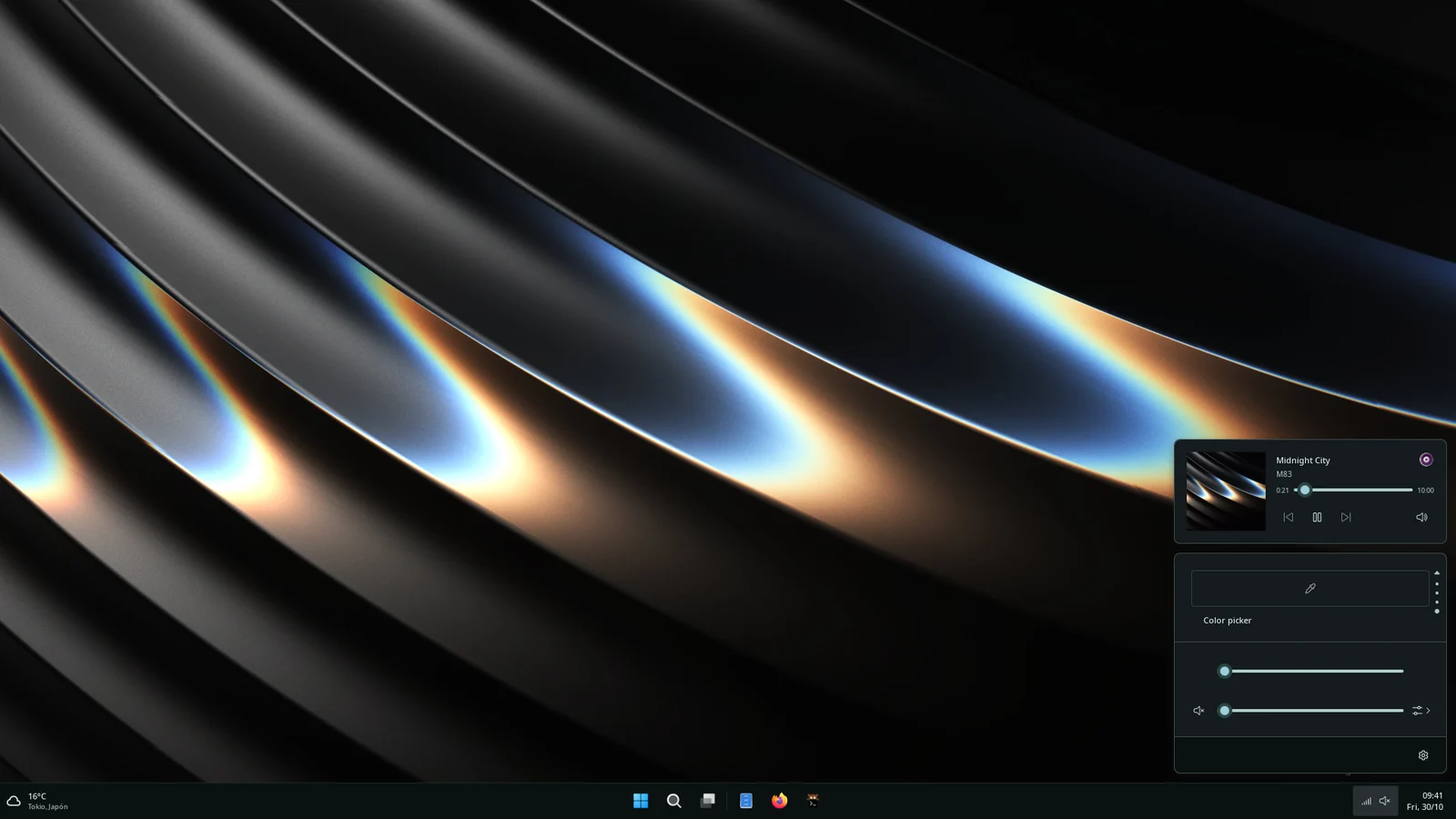
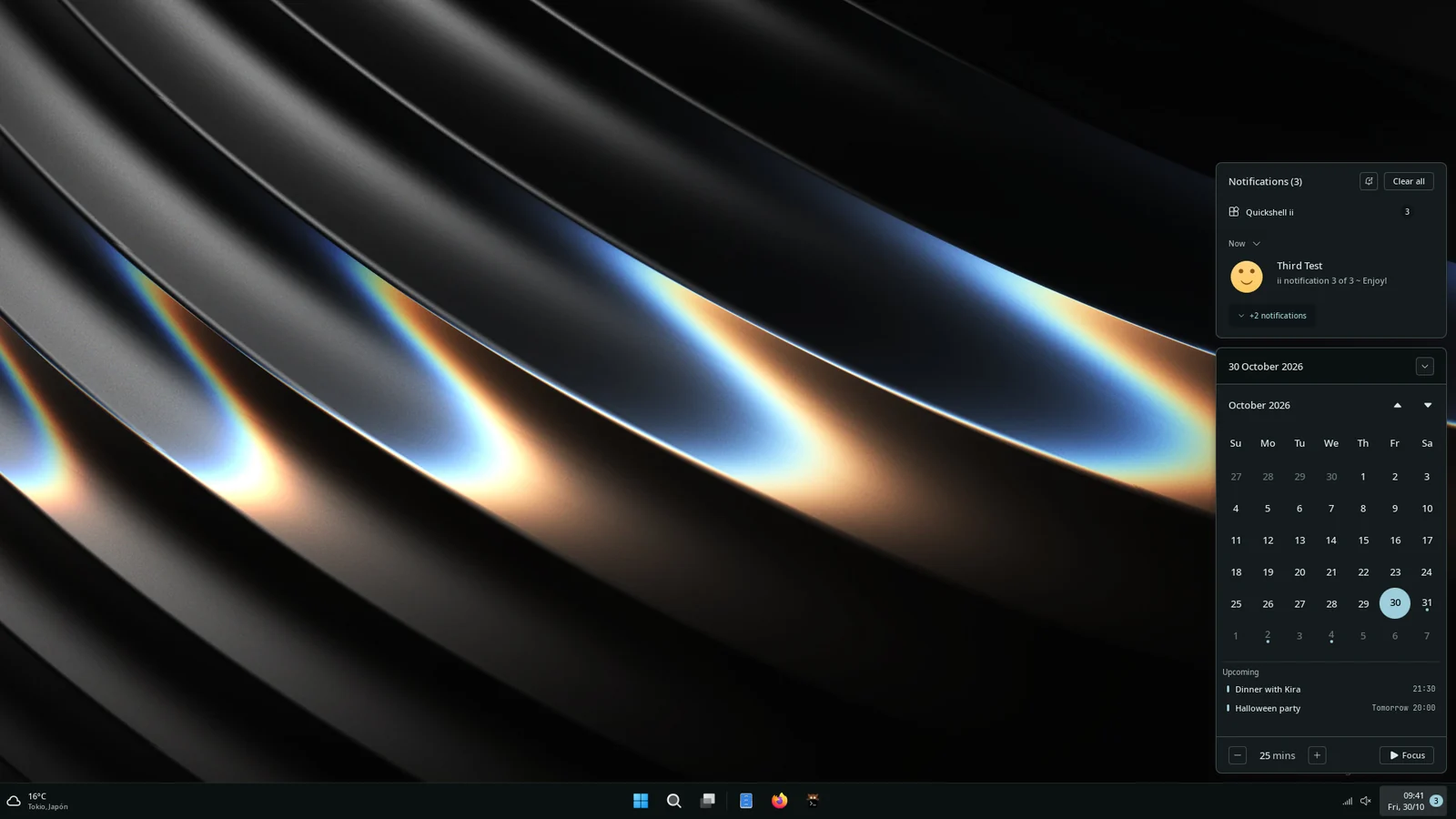
Where things are in Waffle Settings
Section titled “Where things are in Waffle Settings”Pages are listed on the left: Quick, General, Taskbar, Background, Themes, Gowall, Interface, Modules, Waffle Style, Shortcuts, About, Monitors, Autostart, Workspace Strip, Mascot, AI, Effects, Shell Layout and Hub. Ctrl+PageDown and Ctrl+PageUp move between them, and Ctrl+F searches every option.
- General: audio, battery, time and language, idle and sleep, Game Mode and the calendar.
- Background: the wallpaper, one per monitor, transitions, effects and the overview backdrop.
- Interface: display scaling, notifications, the floating tools (Super+G), the on-screen display and the lock screen.
- Waffle Style: Alt+Tab, Task View, Start, the Widgets panel, weather and the calendar. In Alt+Tab, Tab and the arrows move the pick and the window switches when you let go of Alt or press Enter; Esc leaves focus where it was. With Alt still held, the auto-hide delay switches to the pick on its own.
- Gowall: recolours an image with your palette, pixelates or upscales it.
Its looks
Section titled “Its looks”Waffle Settings›Themes picks the colour theme. Waffle keeps its own layouts; with Take style from Material on (the default) it also wears Material’s global style (Aurora glass, Angel, Editorial type…) and its transparency, chosen right below. Switch it off and Waffle is plain Fluent whatever Material uses. Colours follow the wallpaper unless you pick a theme: Colours and themes.