
Desktop items
Your family
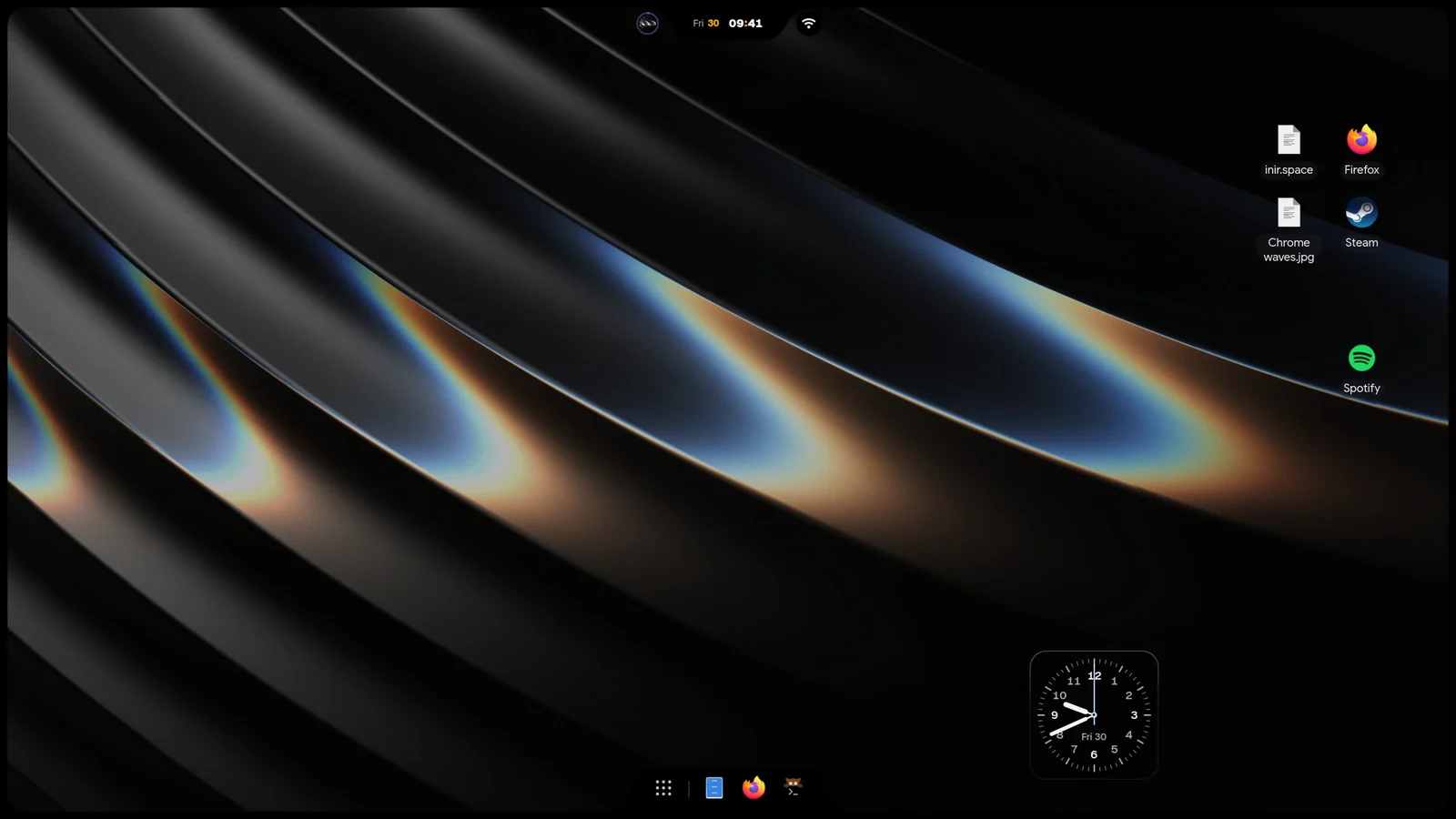
Desktop items are shortcuts on your desktop to apps, files, folders and web addresses. Making one never moves, copies or deletes the original.
Click once to select a shortcut, and double click to open it. Material and iRiS have desktop items. Waffle does not.
Add a shortcut
Section titled “Add a shortcut”- Drag an app from Overview search or All Apps onto the desktop. iNiR launches the app the normal way and never runs a dropped
.desktopfile directly. - Drop a file, a folder or a link onto the desktop.
- Drop an image on an empty desktop, and pick one of three things:
- File access: a shortcut that opens the original image.
- Decorative image: moves the Custom image widget to the drop point. If you drop several images, the first one is used.
- Convert image: sends the images to the Image Converter queue. When it finishes, Place result here makes a shortcut to the output.
Shortcut menu
Section titled “Shortcut menu”Right-click a shortcut for:
- Open
- Locate target: opens the folder of a missing file or folder
- Edit destination: changes what the shortcut points to
- Rename, Lock or Unlock, and Promote to front
- Move ·
: sends it to another connected screen, one entry per screen - Remove from desktop: removes only the shortcut. The app, file or folder stays where it is.
- Undo remove: brings back the last shortcut you removed
A shortcut whose target is gone stays where it is, with its own border, so you can see it.
While you arrange widgets, the desktop menu has Enable grid snap or Disable grid snap, and Grid size, which cycles through 16, 32, 48 and 64 px. Shortcuts snap to the same grid.
Desktop items are saved with your shell state, so setup snapshots keep them.