
iNiR
Your family
iNiR is a desktop shell for the Niri compositor, built with Quickshell. It gives you a bar, a dock, sidebars, notifications, an overview, a lock screen, wallpapers, theming and a Settings window, all in one shell.
It comes in three looks, called families. Material ii is the default. Waffle is styled after Windows 11. iRiS puts one Island on a screen edge that turns into whatever you open. Press Super+Shift+W to switch between them.
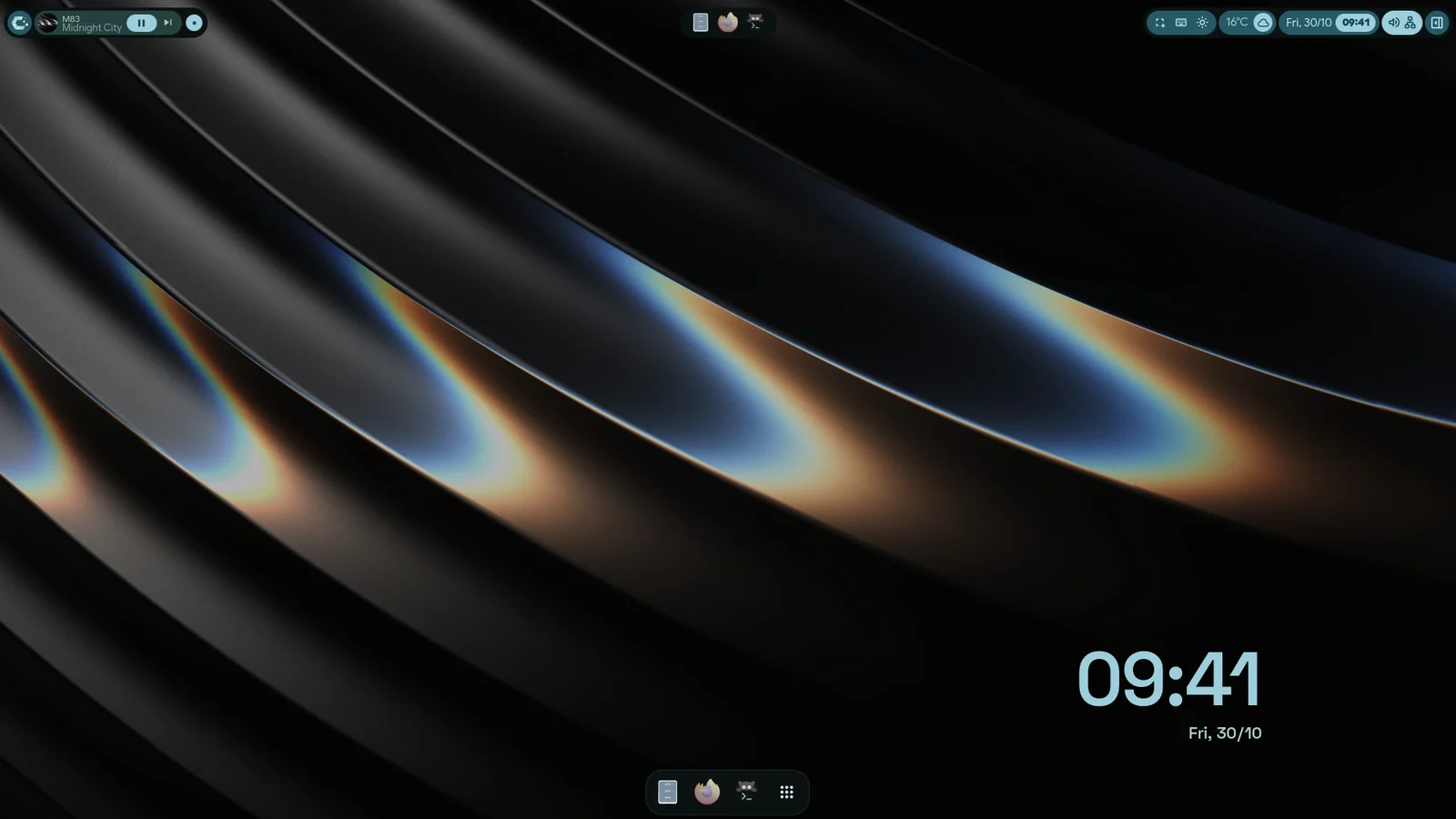
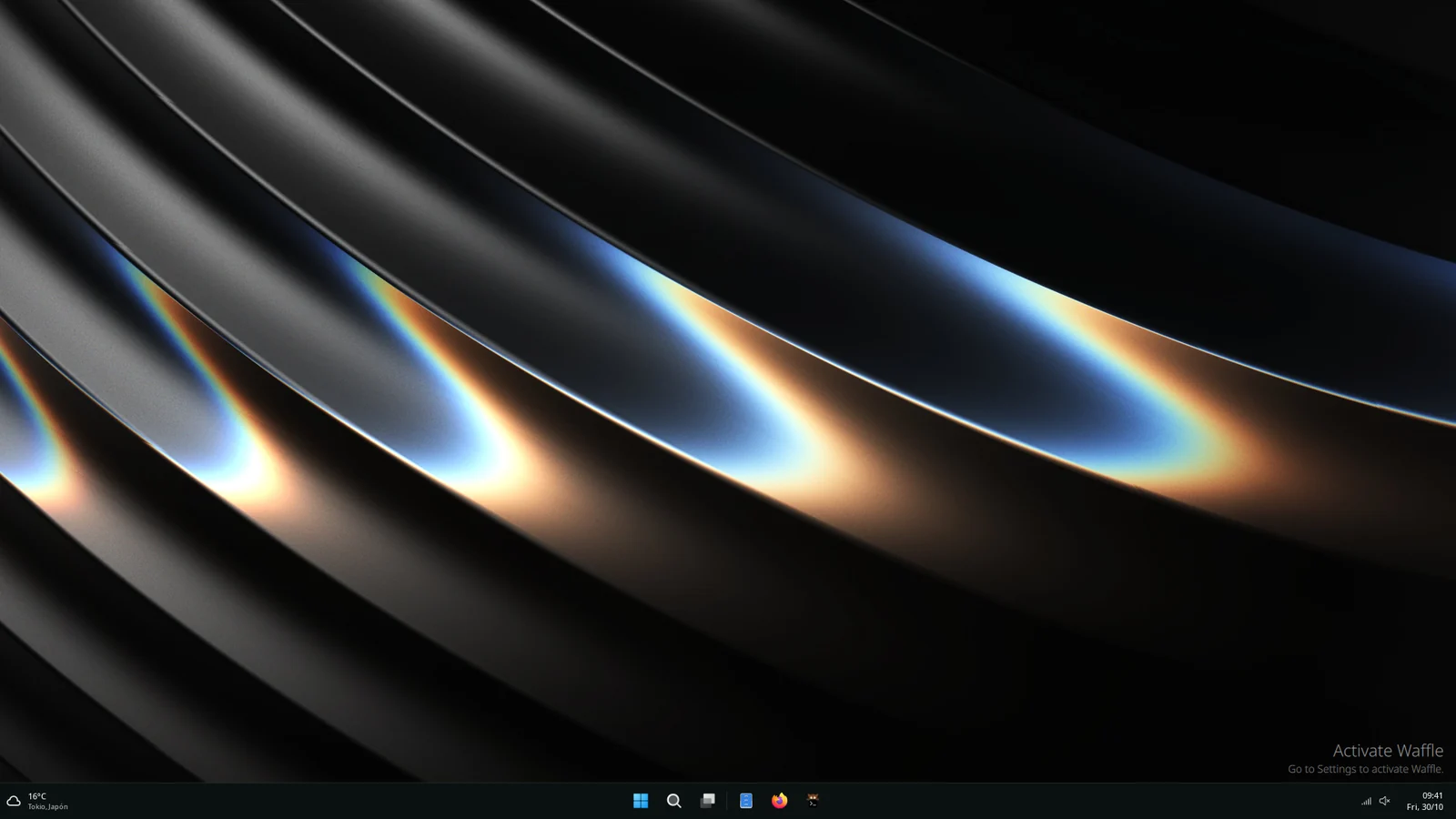
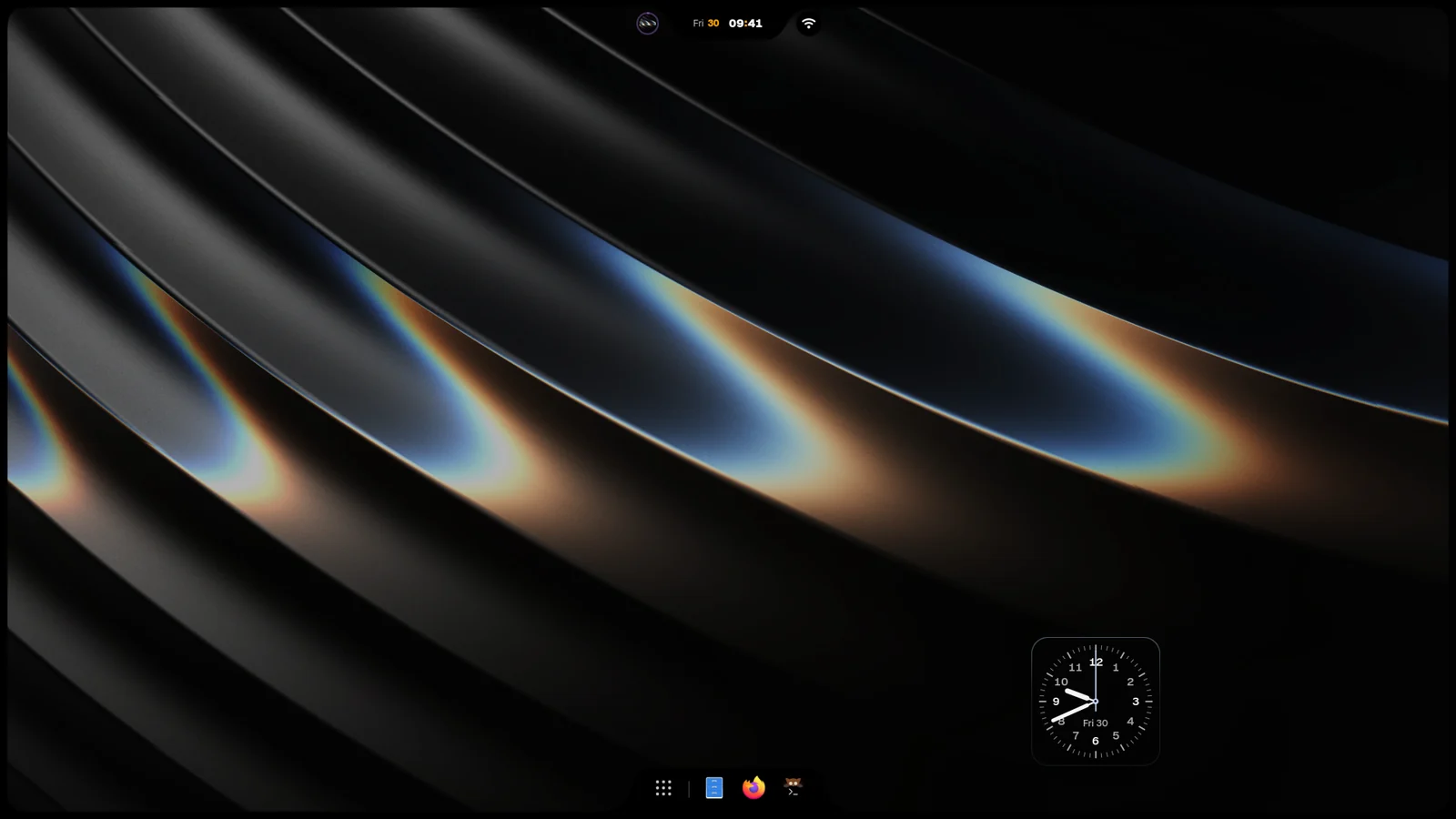
Family
Where to start
Section titled “Where to start”- Install: install iNiR on your distro.
- Setup, updates and rollback: keep iNiR up to date, repair it and remove it.
- Keybinds: every shortcut that ships with iNiR.
- Known limitations: what does not work yet. Read it before you report a bug.
Most things live in Settings, which opens with Super+comma. Make it yours lists every way to change iNiR, from Settings to writing your own plugin.
- Panel families: Material ii, Waffle and iRiS compared.
- Material, Waffle and iRiS: each family in detail.
- Community Hub: widgets, colour themes and web apps made by others.
- Void Linux and NixOS: notes for those systems.
- How iNiR fits together: the parts, where each lives on your machine, how an update goes.