
Panel families
Your family
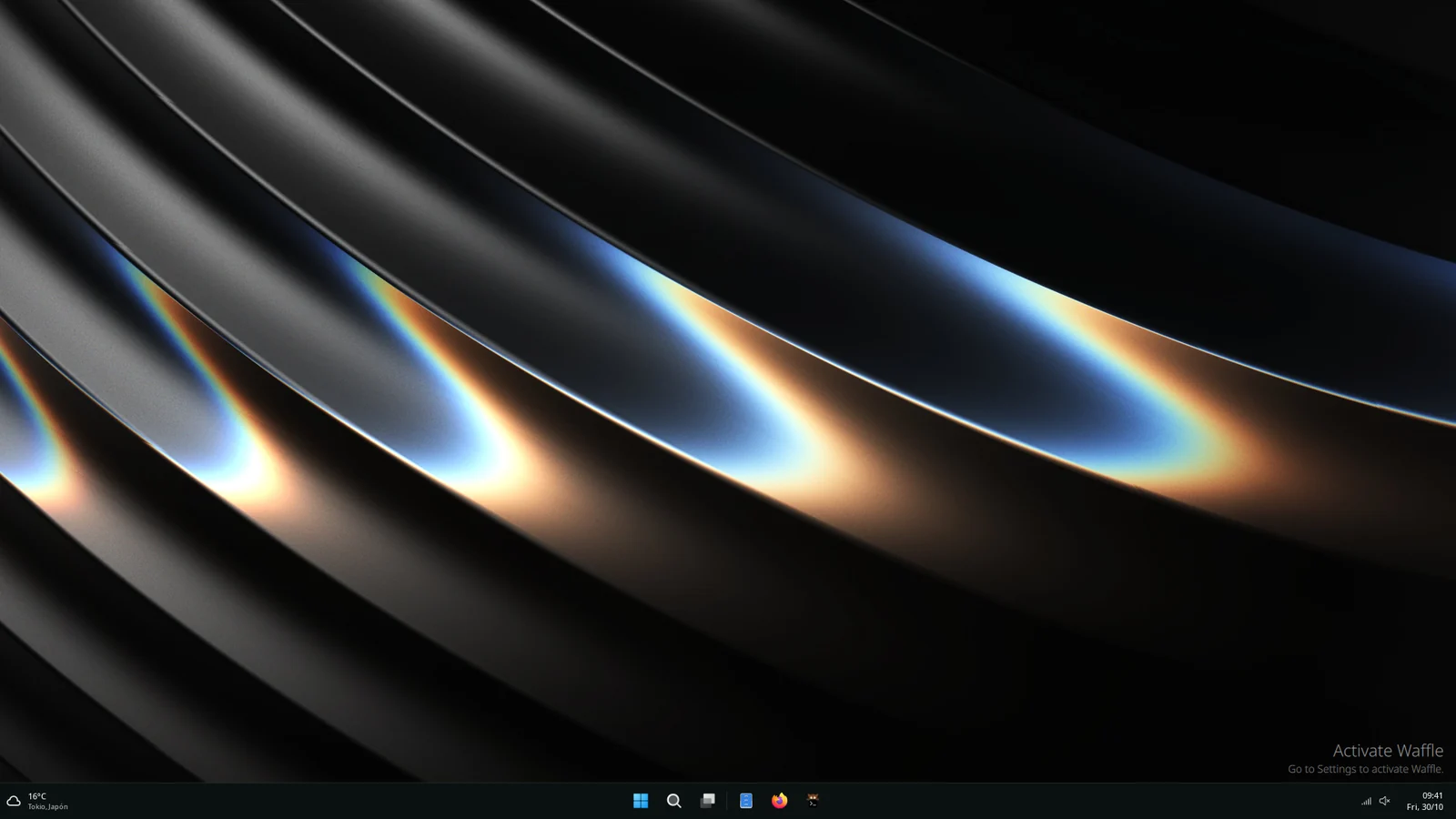
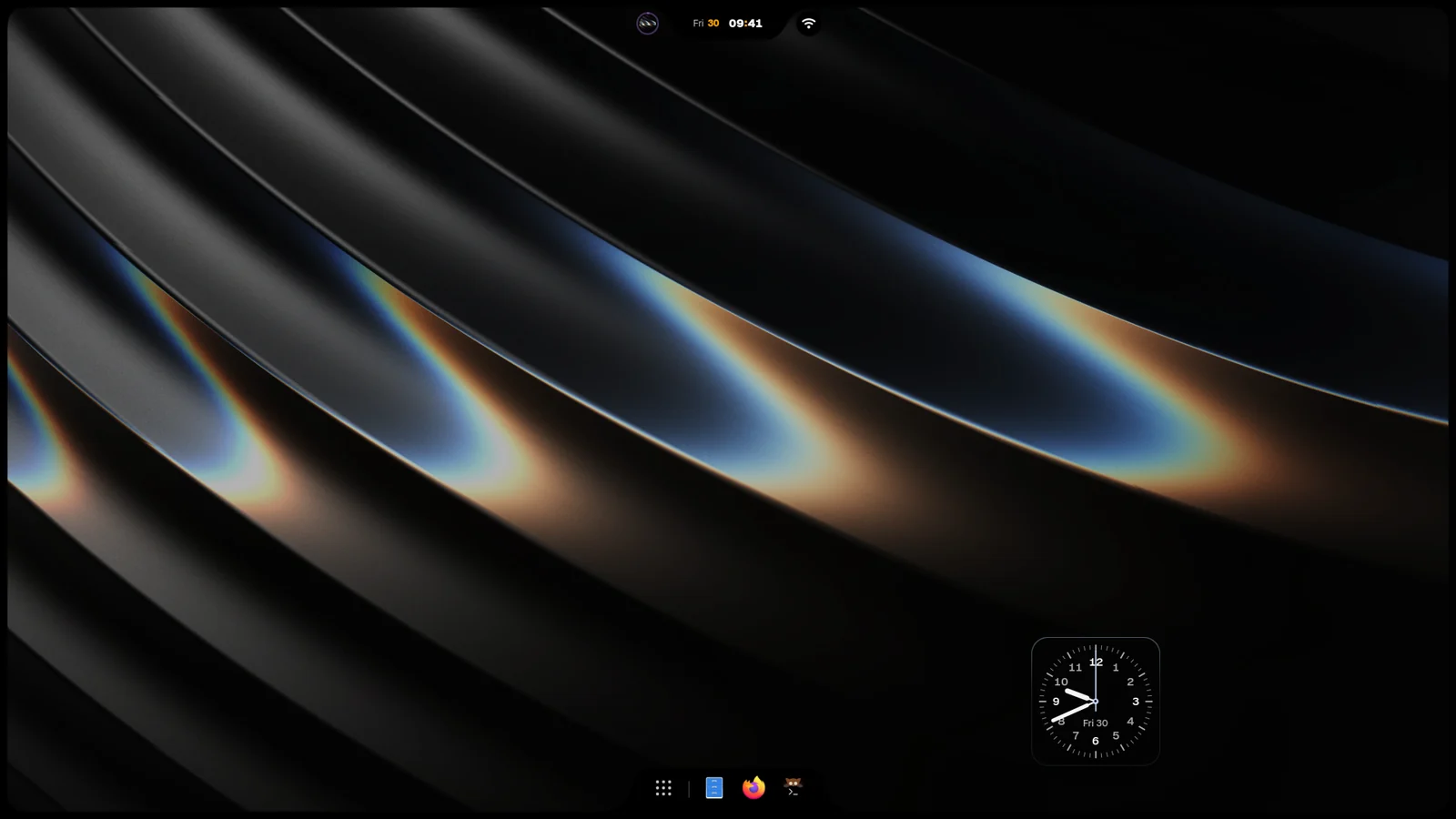
iNiR has three families, which are three looks for the same shell. They share your apps, services and settings, so switching changes how the desktop looks and behaves, not what it can do.
The families
Section titled “The families”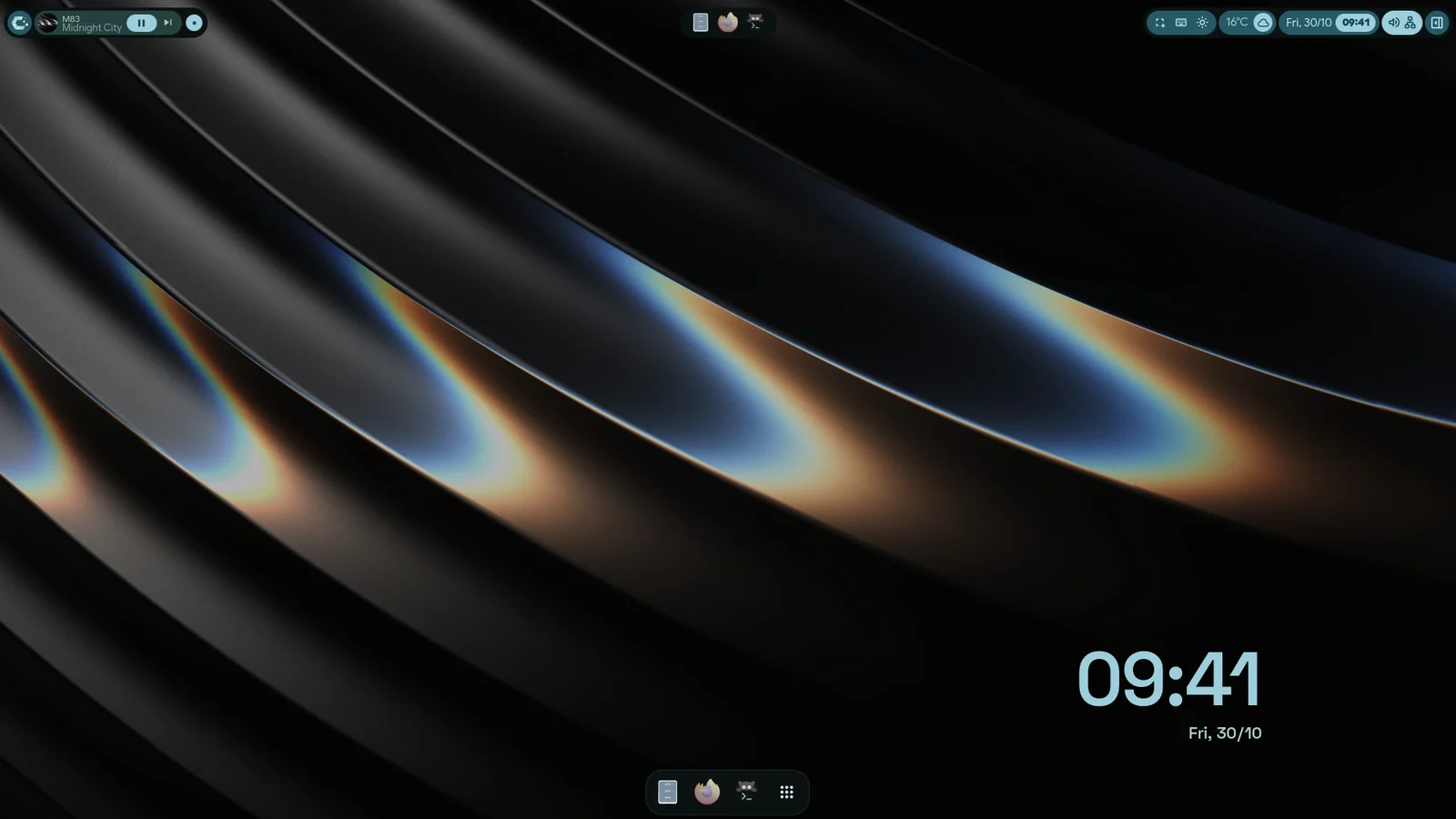
Family
- Material (ii): the default. A bar along the top or any side, two sidebars, a dock and the overview. Its look comes from nine global styles, from plain Material to Angel and ZZZ, chosen in Settings›Themes›Global Style. See Material.
- Windows 11 (Waffle): a taskbar on the bottom edge, with a Start Menu, an Action Center and a Notification Center, laid out like Windows 11. See Waffle.
- iRiS: one Island on a screen edge that grows into whatever you open. Pieces such as weather, sound and notifications sit on it or float free, and the Dock can go on any edge. See iRiS.
Each family is a plugin from the Hub. A fresh install brings all three, and inir update keeps the ones
you have current.
Switch family
Section titled “Switch family”- Press Super+Shift+W to move to the next family. The order starts as Material, Waffle, iRiS.
- Pick the family itself, and which families the shortcut visits, here:
- Material: Settings›Modules›Panel Style
- Waffle: Waffle Settings›Modules›Panel Style
- iRiS: iRiS Settings›General›Shell
- The switch animates by default. To turn that off, use Settings›Modules›Panel Style›Animated switch, Waffle Settings›Waffle Style›Family Transition, or iRiS Settings›General›Shell›Animated switch.
Material is the default for a reason, but nobody is keeping score.
Each family opens Settings a little differently. See Settings.