
Autostart and session
Choose the apps that start with iNiR, and what happens when you lock, reboot or shut down.
Apps and commands at login
Section titled “Apps and commands at login”Settings›Autostart (Waffle: Waffle Settings›Autostart) has three tabs:
- Applications: turn on the apps from your menu that should start at login.
- Commands: add a command, such as
telegram-desktop --start-minimized, to run at login. - Guide: how it works.
Niri launches these, so they keep running if the shell restarts. The page only works while niri is your compositor.
Lock screen
Section titled “Lock screen”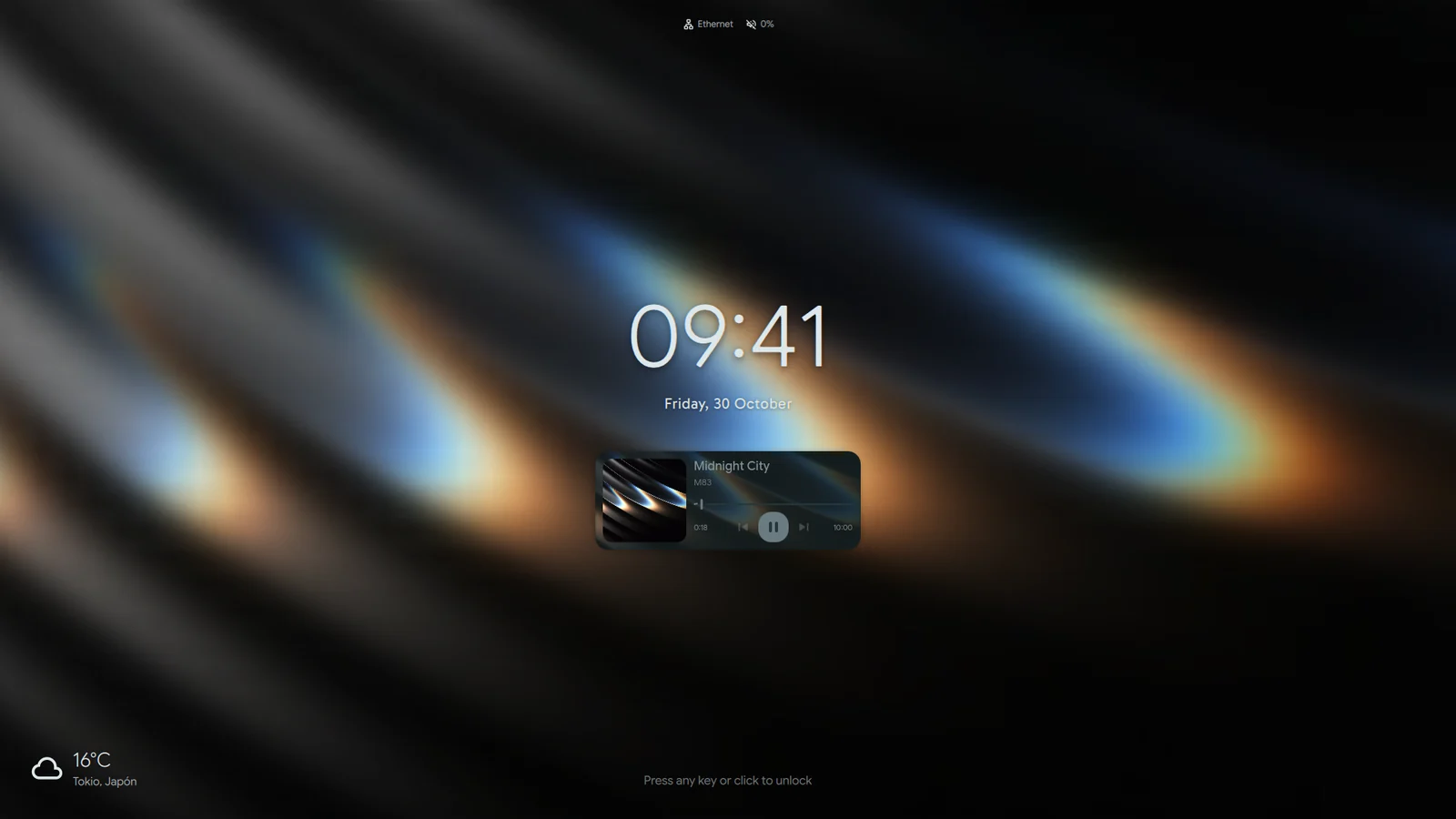
- Super+Alt+L locks the session. Unlock with your password.
- If the shell’s lock screen does not appear within two seconds, swaylock or hyprlock takes over, whichever is installed.
Settings›System›Lock screen:
- Use Hyprlock (instead of Quickshell) is off by default.
- Launch on startup is off by default. Turn it on to use Quickshell as your lock screen provider.
- Require password to power off/restart is on by default. It guards against accidents only.
- Also unlock keyring is on by default.
- Show notifications on lock screen is off by default.
The lock screen’s look (blur, clock, widgets) is further down the same page, under Style: Blurred.
Session screen
Section titled “Session screen”Super+Shift+Q opens the session screen with log out, reboot, shut down and hibernate. It warns you first if a package manager is running or a download may be in progress.
Idle and sleep
Section titled “Idle and sleep”Material: Settings›Services›System›Idle & Sleep. Each timeout is in seconds, and 0 means never.
- Screen off: 300 seconds by default.
- Lock screen: 600 seconds by default.
- Suspend: off by default.
Lock before sleep is on by default. Separate timeouts on battery gives battery its own values. In iRiS, idle is in iRiS Settings instead.
Authentication prompts
Section titled “Authentication prompts”iNiR is your system’s authentication agent. When something needs your password, such as installing a package, the prompt appears in the shell’s look. If you run another agent, iNiR steps aside. To turn iNiR’s agent off, use Settings›Modules›Polkit Agent.