
Notifications
Your apps’ notifications show as popups, then wait in the history. Do Not Disturb and quiet hours hold back popups, never the history.
Popups
Section titled “Popups”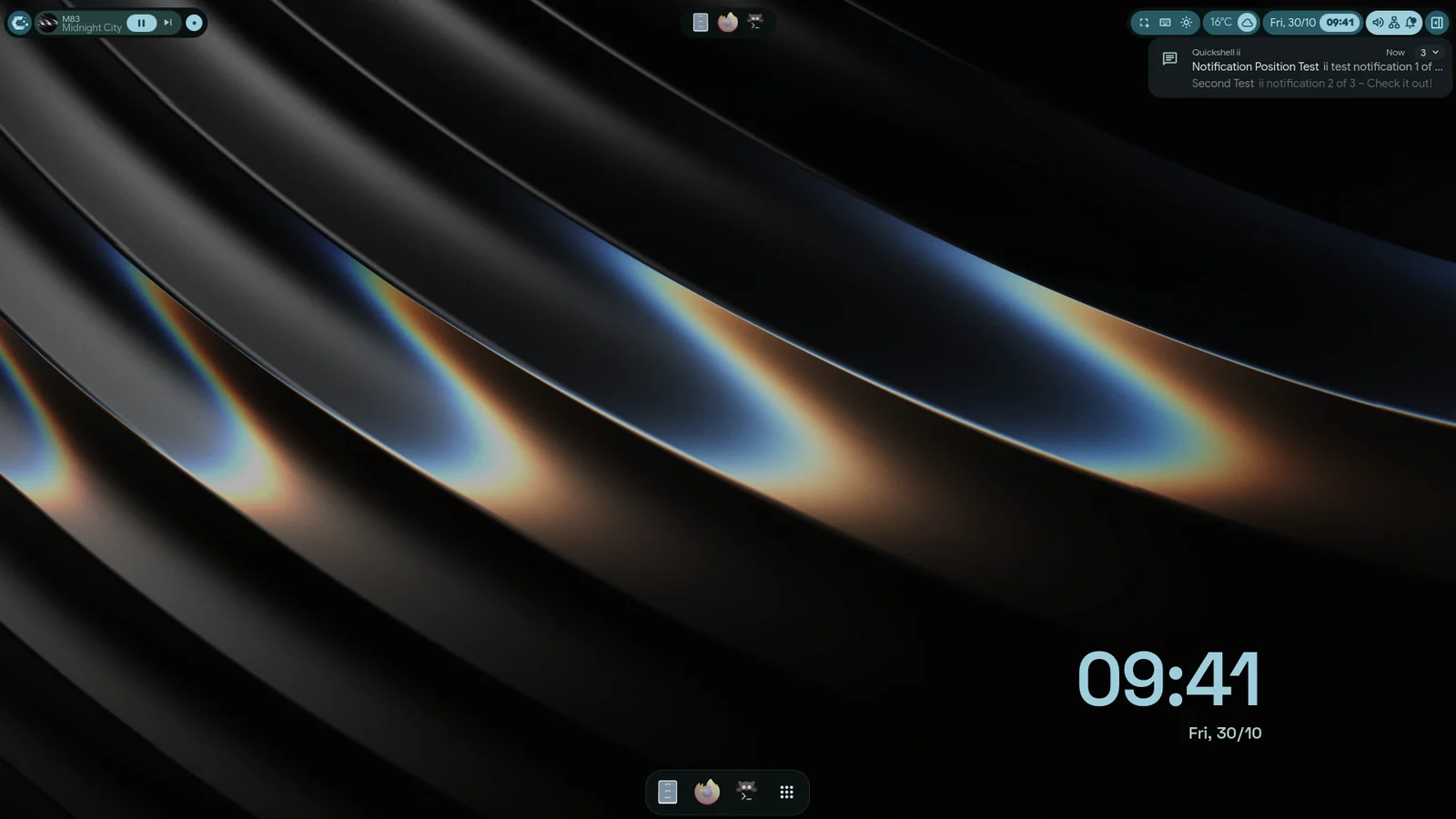
- Settings›Panels›Notifications sets Timeout (ms), 7000 by default. Normal popups close when it runs out.
- Critical popups without their own timeout stay for 30 seconds. Material has no setting for that. iRiS has Longest a banner stays.
- Anchor picks the corner, Top Right by default. In Waffle, use Waffle Settings›Interface›Notifications›Popup position, bottom right by default.
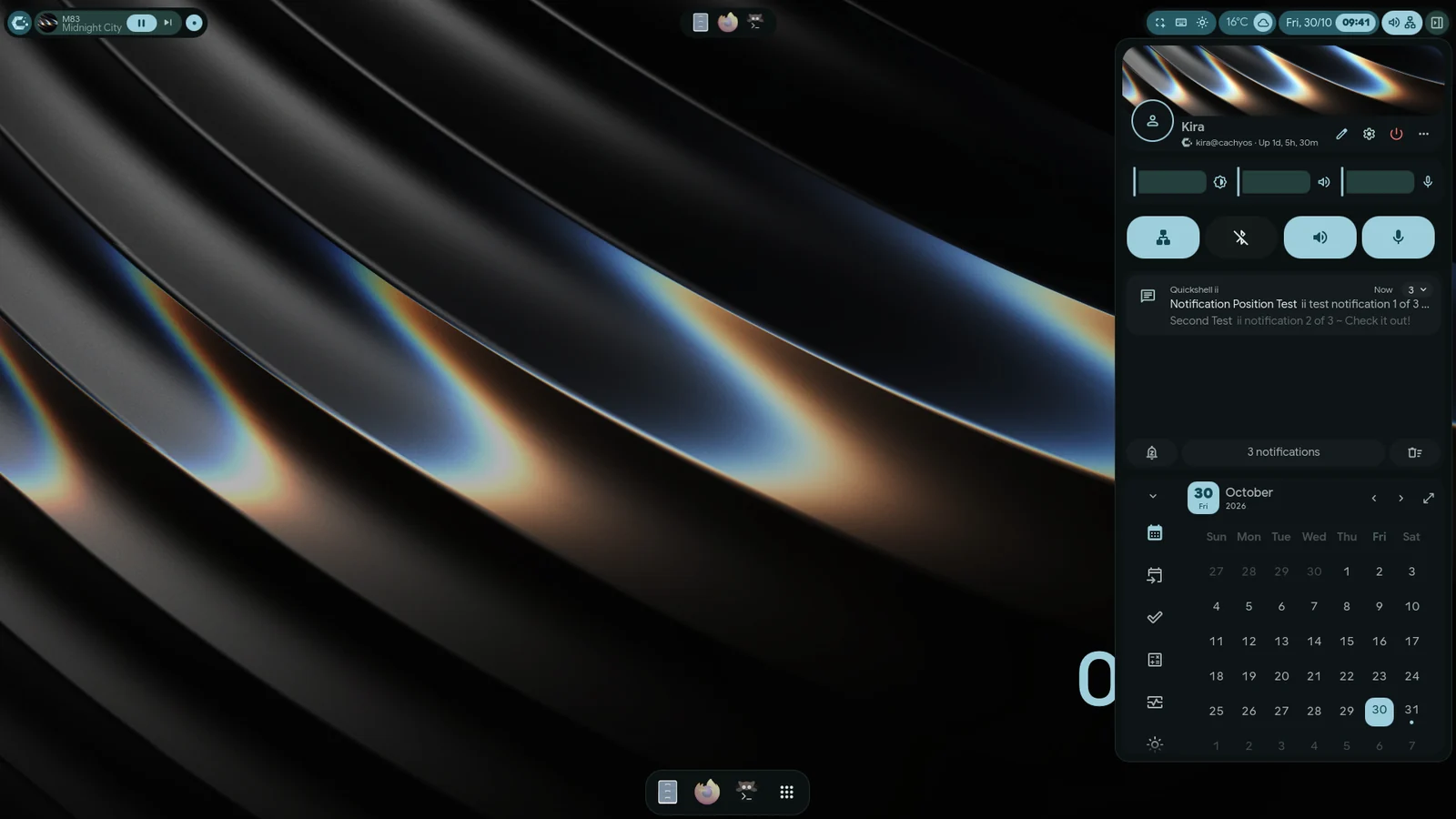
- Popups stay hidden while the right sidebar (Material) or the notification centre (Waffle) is open.
- An app that sends more than 20 notifications in one second loses the extra ones. Critical notifications always get through.
Do Not Disturb and quiet hours
Section titled “Do Not Disturb and quiet hours”- Do Not Disturb: use the toggle in the sidebar (Material), or the Enable Do Not Disturb button in the notification centre (Waffle).
- Quiet hours (Settings›Panels›Notifications): a daily window. From is 22:00 and to is 08:00 by default. A window that ends before it starts runs past midnight.
Both only hold back popups. Notifications still reach the history.
History
Section titled “History”The history keeps notifications across restarts. In the Material right sidebar, Clear all notifications empties it. In the Waffle notification centre, a search box appears once there are more than three notifications.
Notifications are grouped by app. Each group shows how many there are, whether any is critical, and the latest time.
Removing something never asks “are you sure”. It goes at once, and a notice with Undo brings it back. The notice
uses your notification style, and inir undo does the same from a terminal. This covers world clocks, desktop
presets, clipboard entries, autostart entries, calendar events and sources, custom widgets, mascots, keybinds (iRiS
Shortcuts, Material’s Cheatsheet settings), AI chats and todo tasks.
Clearing the whole clipboard history and forgetting a Wi-Fi network or a Bluetooth device still ask first: those can’t come back.
Blocking an app
Section titled “Blocking an app”Settings›Quick›Filters›App filters blocks an app’s notifications. They are dropped and never reach the history.
Another notification daemon
Section titled “Another notification daemon”If mako or dunst is running when iNiR starts, a dialog asks whether to stop it. Say yes to let iNiR handle notifications.